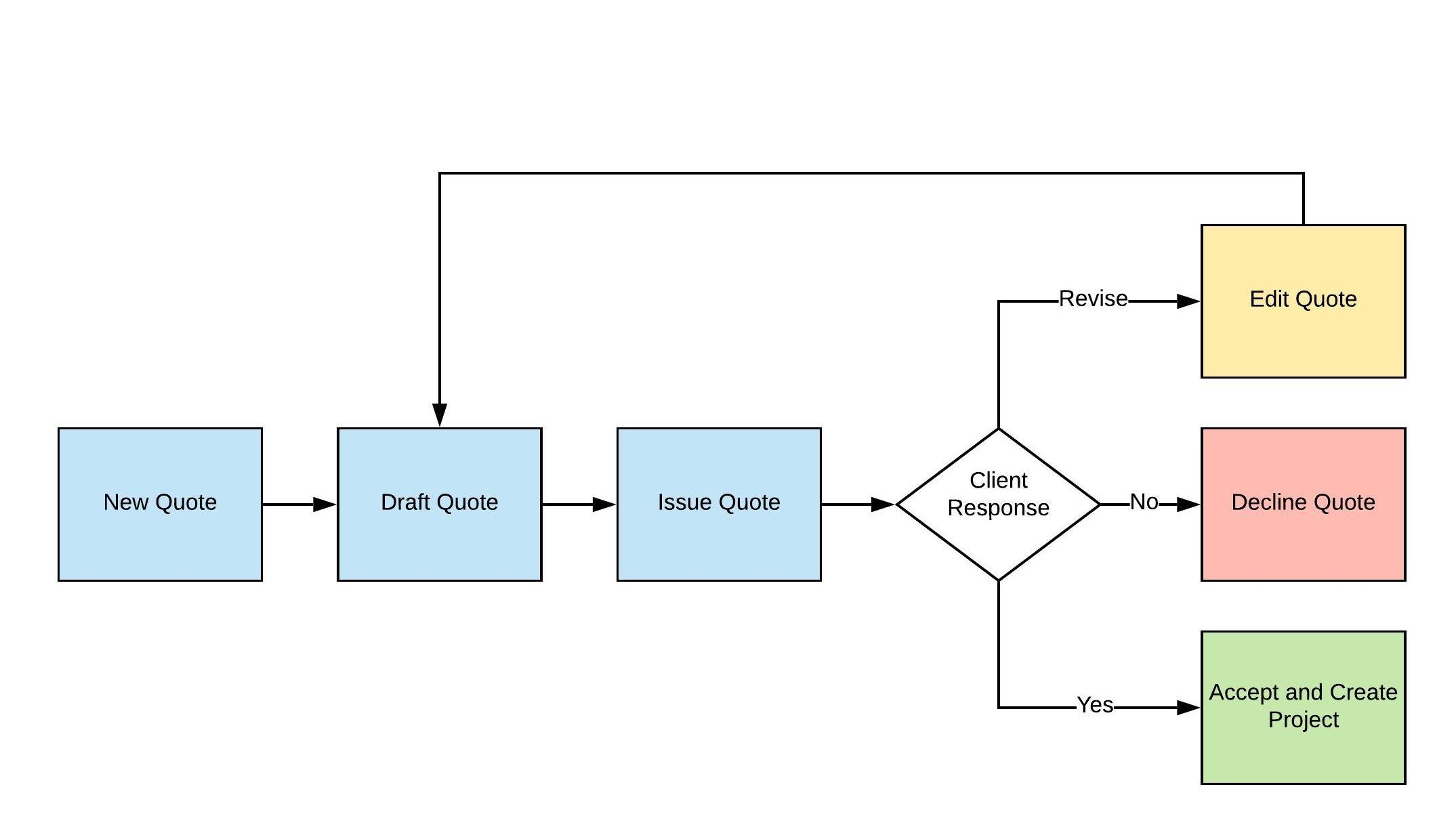
WorkGuru has an incredibly powerful quoting tool. Enter your quotes once and all the data flows directly to the project without any double entry. The quote feature in WorkGuru is straightforward to use, and has the support of quote templates that can be applied to a quote to ensure your quoting process is systemised across your business. Quotes can be used for both "do & charge" projects, as well as fixed price projects depending on which quote lines are flagged as billable or non-billable to accurately set the forecast of the project. Quotes also support optional line items. WorkGuru tracks any changes made to the original quote as part of the sales process with a robust revision function that retails the full version history. Once a quote is approved by the customer, you can easily accept the quote and turn this into a project or a stock sale in WorkGuru. If a quote contains a task line it converts to a project, if it is products only, it will convert to a stock sale.
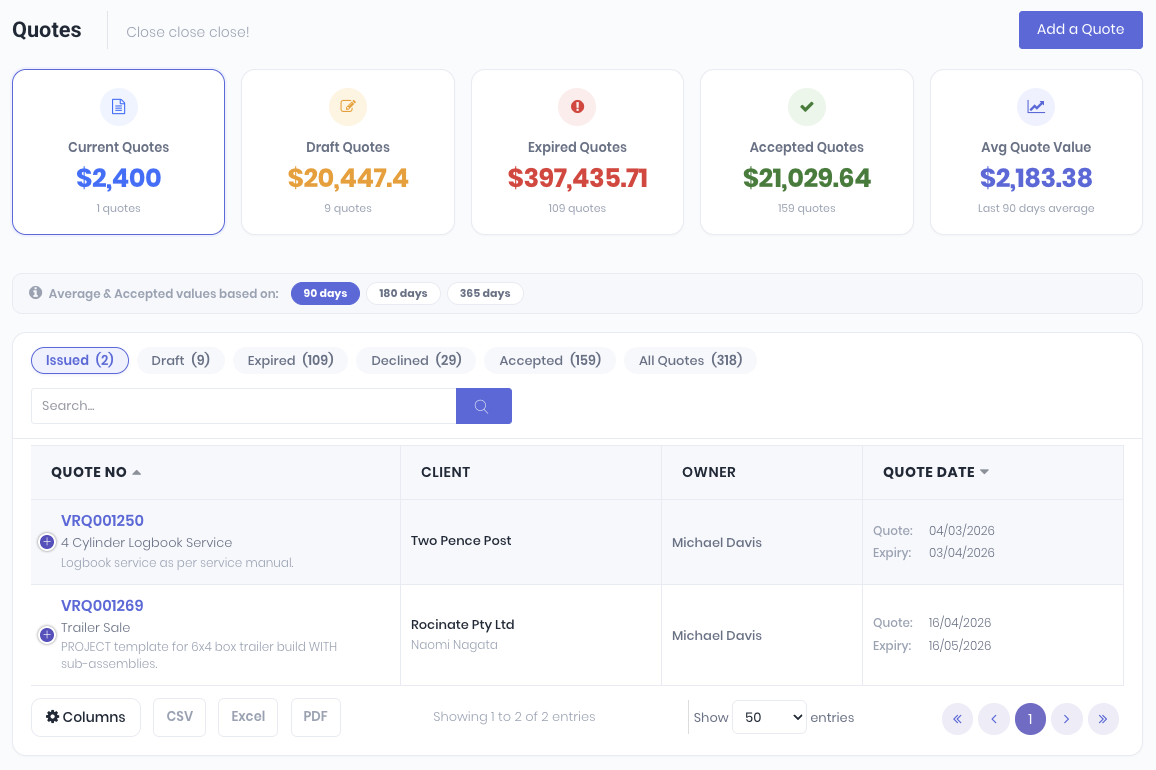
The quote dashboard displays your issued, draft, expired, accepted and declined quotes and sales pipeline information. You can choose to remove individual quote values from the sales pipeline of your workflows such as tenders etc to make sure it is as accurate as possible.
Was this article helpful?
That’s Great!
Thank you for your feedback
Sorry! We couldn't be helpful
Thank you for your feedback
Feedback sent
We appreciate your effort and will try to fix the article