WorkGuru provides a flexible to-do list to assist with project management. There are to types of to-dos:
- Project To-Dos - To-dos assigned to a specific project and task. Can be assigned to multiple staff.
- Non-Project To-Dos - Personal to-dos for tasks outside of a project or task.
Both types of to-dos can be managed from the to-do icon in the header.
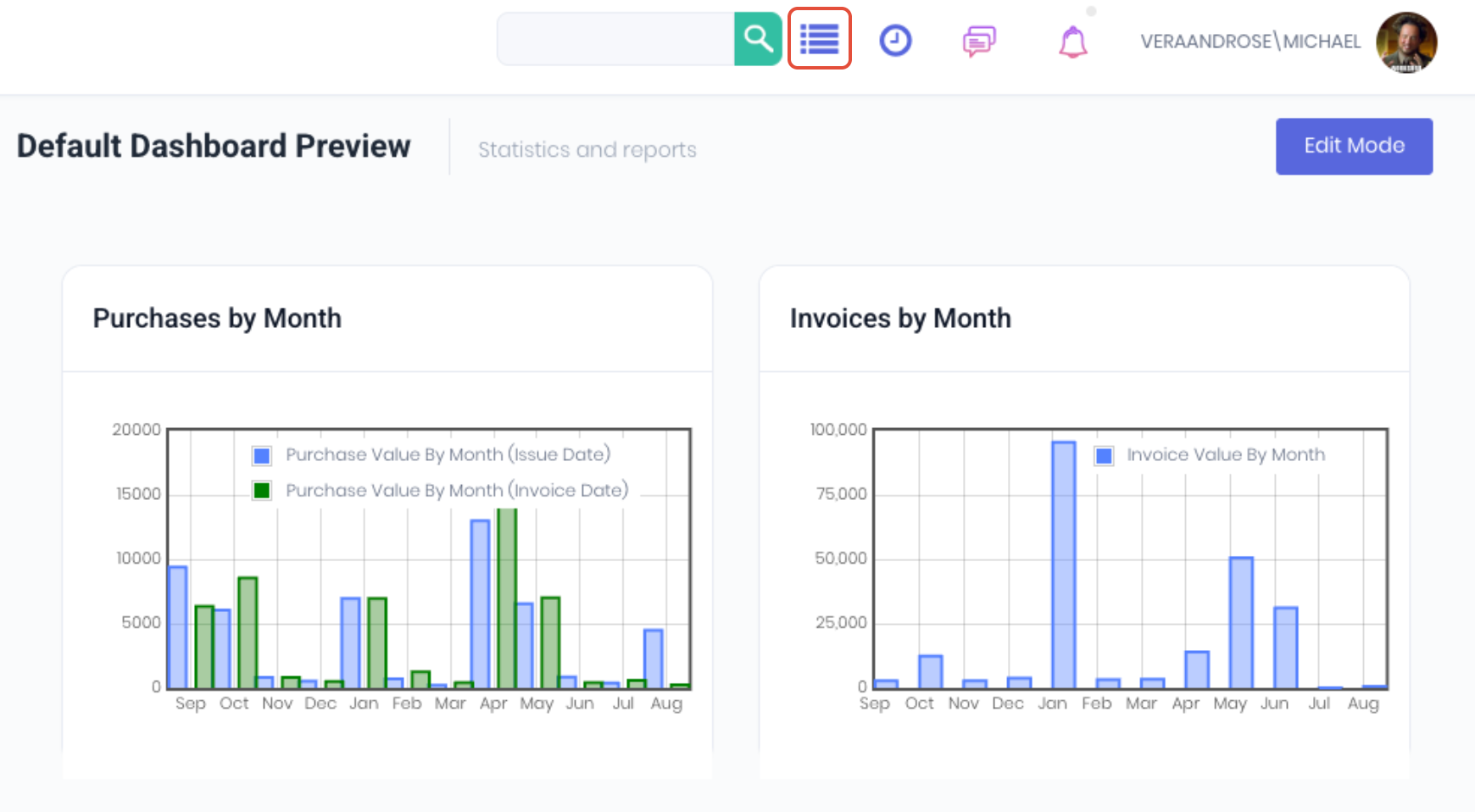
Clicking on the icon will open the Todo list which will display your 2-3 most To-Dos ordered by scheduled due date.
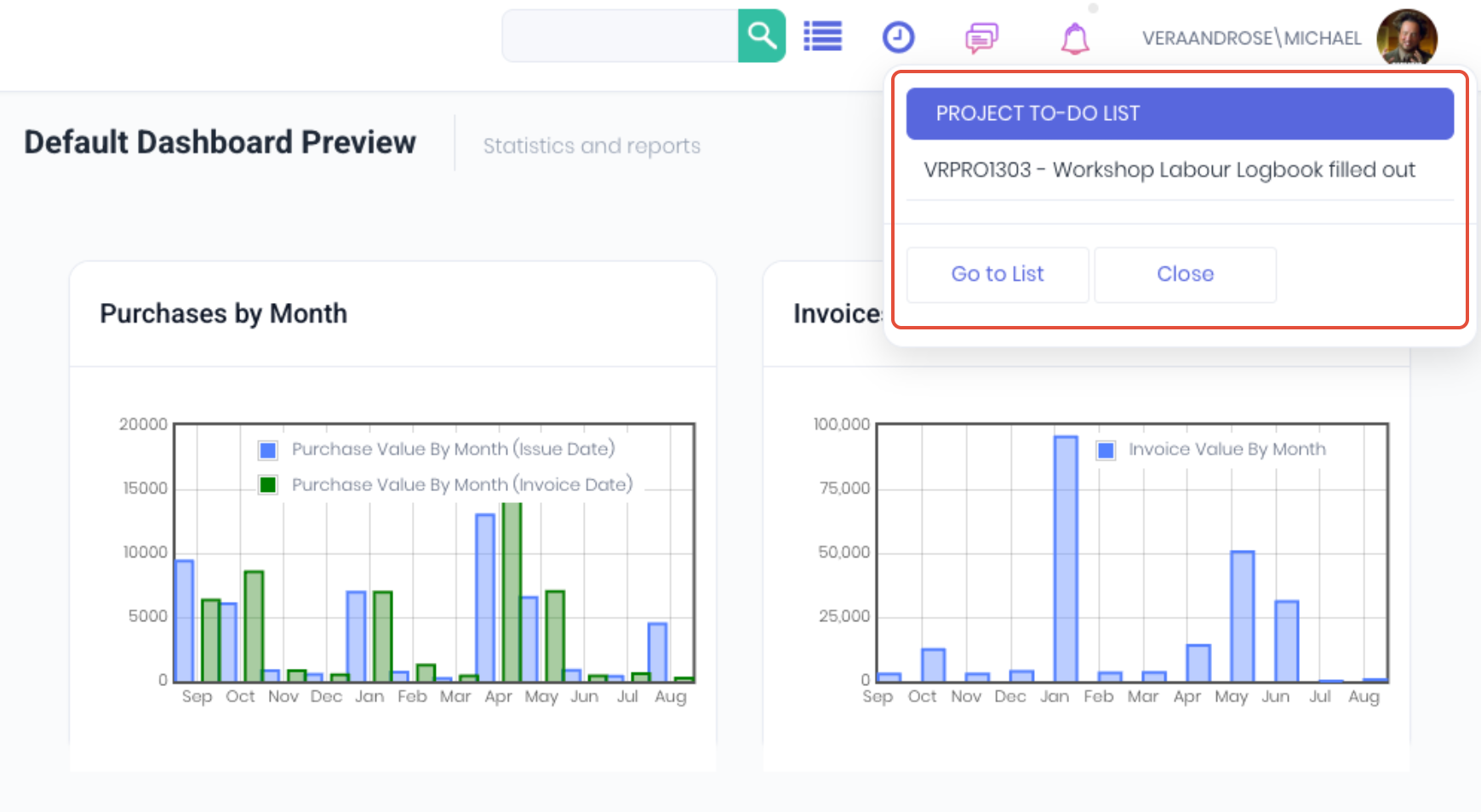
Clicking on the to-do Name marks as it complete and removes it from the list. Clicking the Trash icon will cancel the to-do and not mark it as complete.
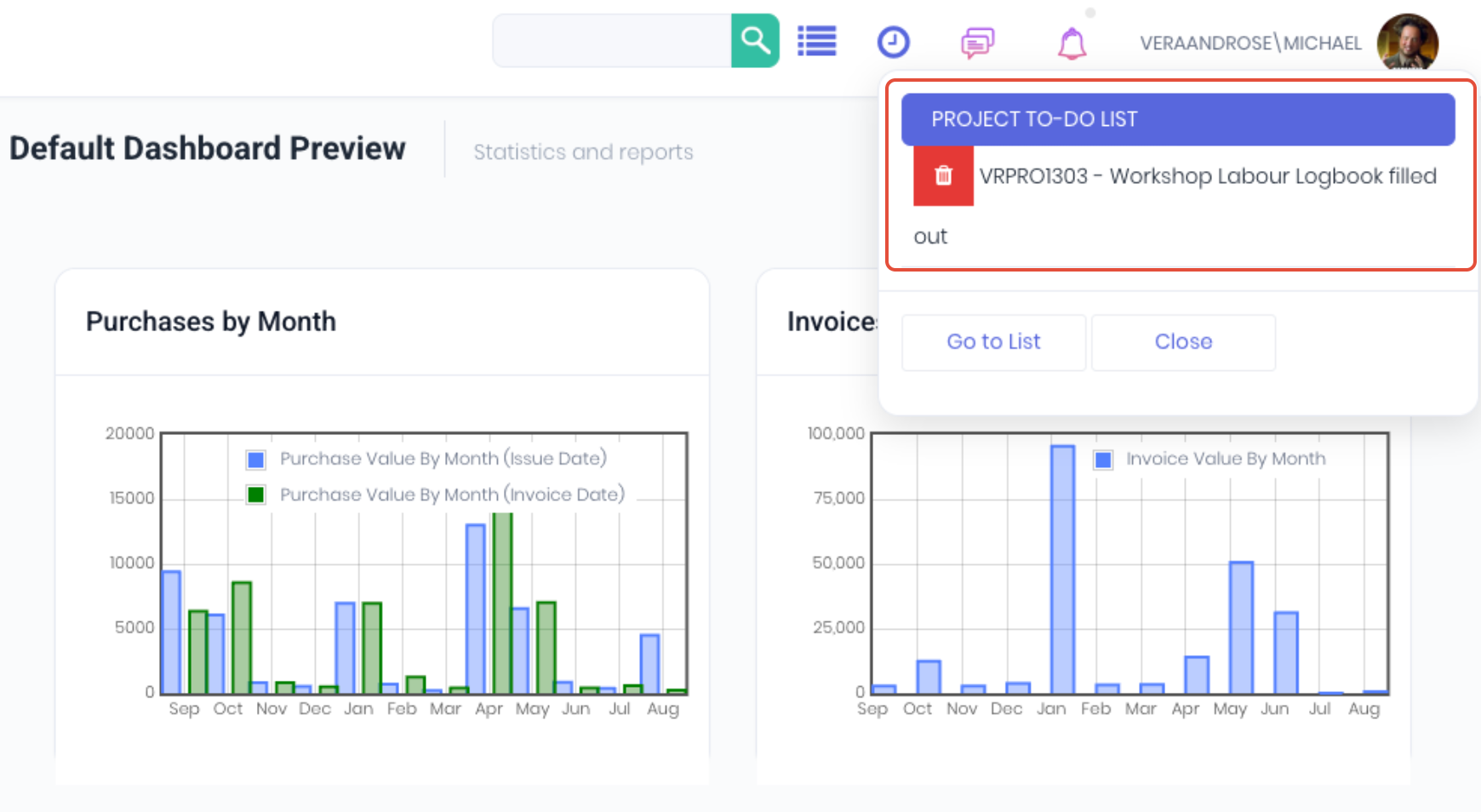
Clicking Go to List on the to-do will open the To Do dashboard.
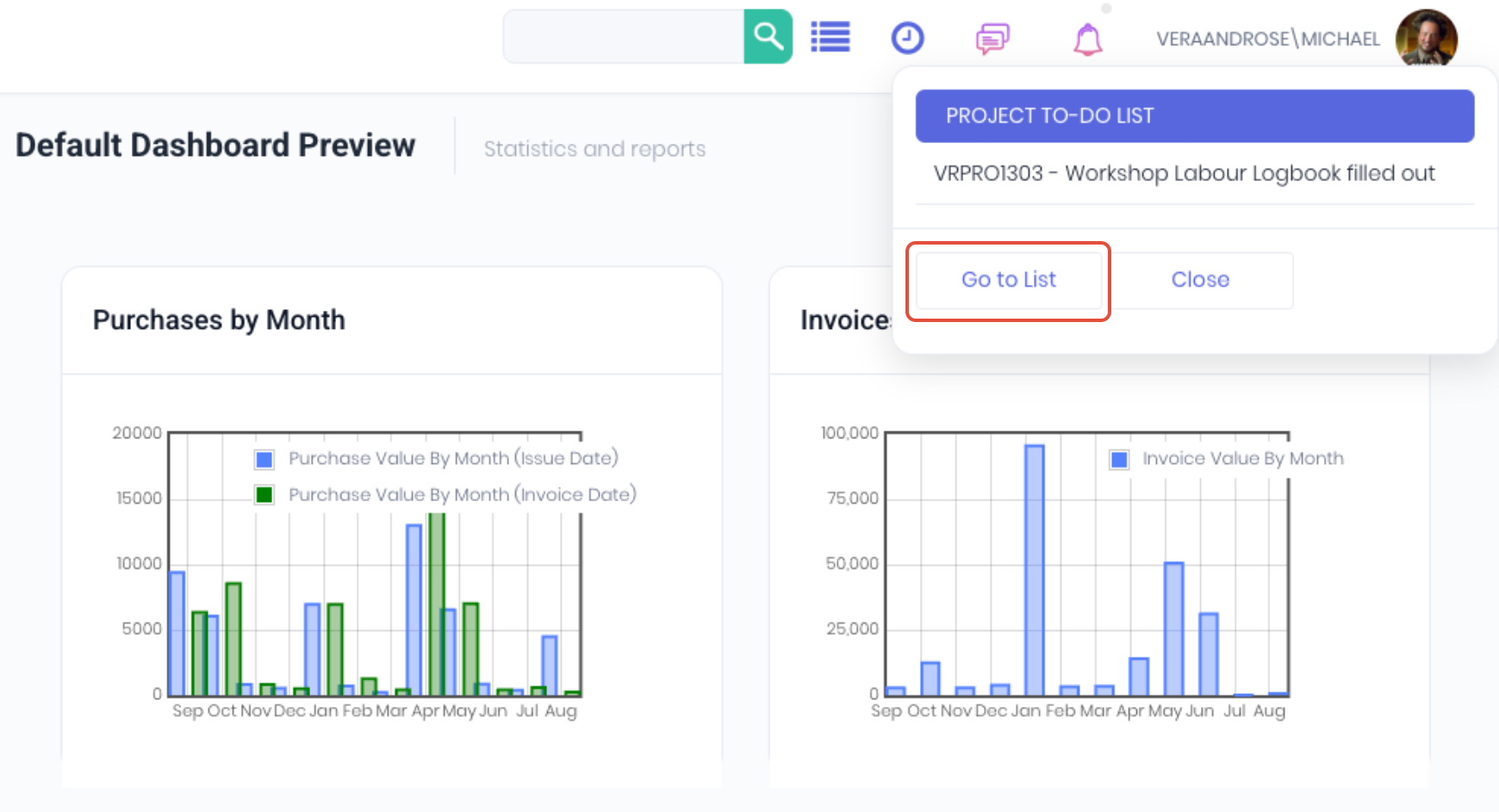
The To Do dashboard allows you to review, complete and manage pending and completed to-dos. Depending on your permissions level, the dashboard can display all the to dos assigned to yourself and other staff members. You can Add New to dos or Import multiple to dos at once.
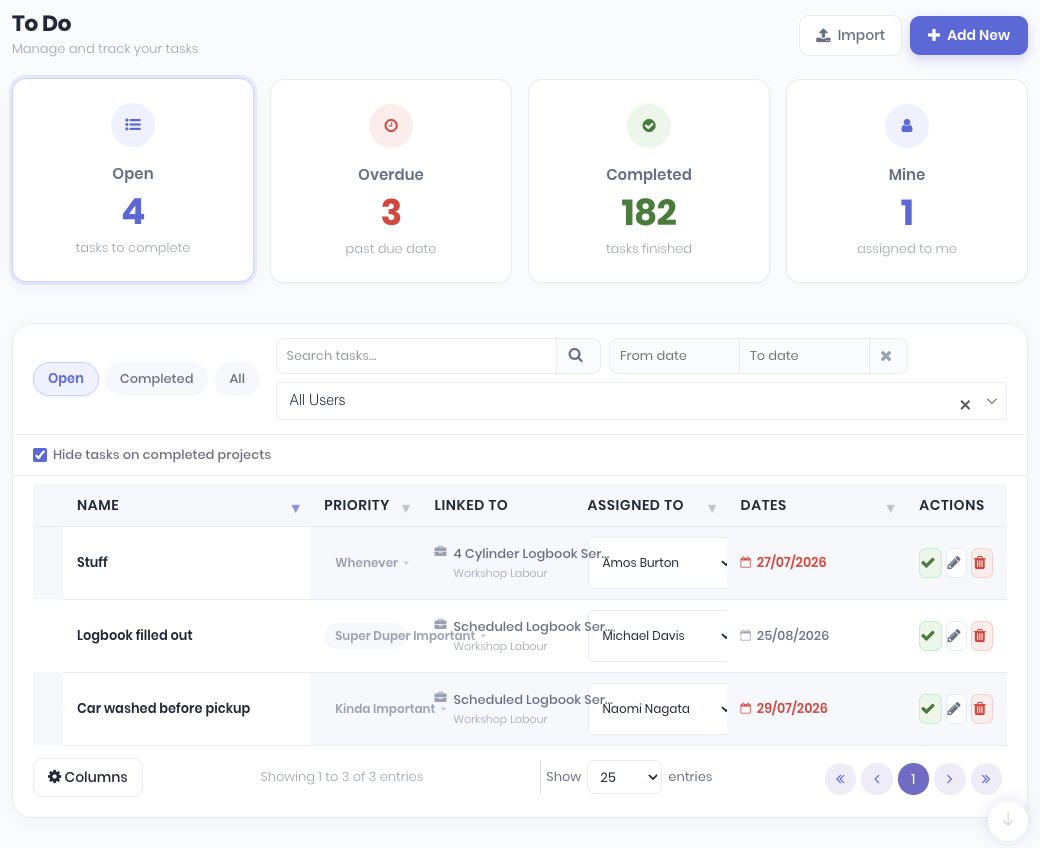
In addition to the to do dashboard, to dos can also be completed from:
Was this article helpful?
That’s Great!
Thank you for your feedback
Sorry! We couldn't be helpful
Thank you for your feedback
Feedback sent
We appreciate your effort and will try to fix the article