You can manage your work areas form the work areas dashboard. You can search for your work areas by name and re-order the display order of the list by click and hold the hamburger icon and dragging up or down.
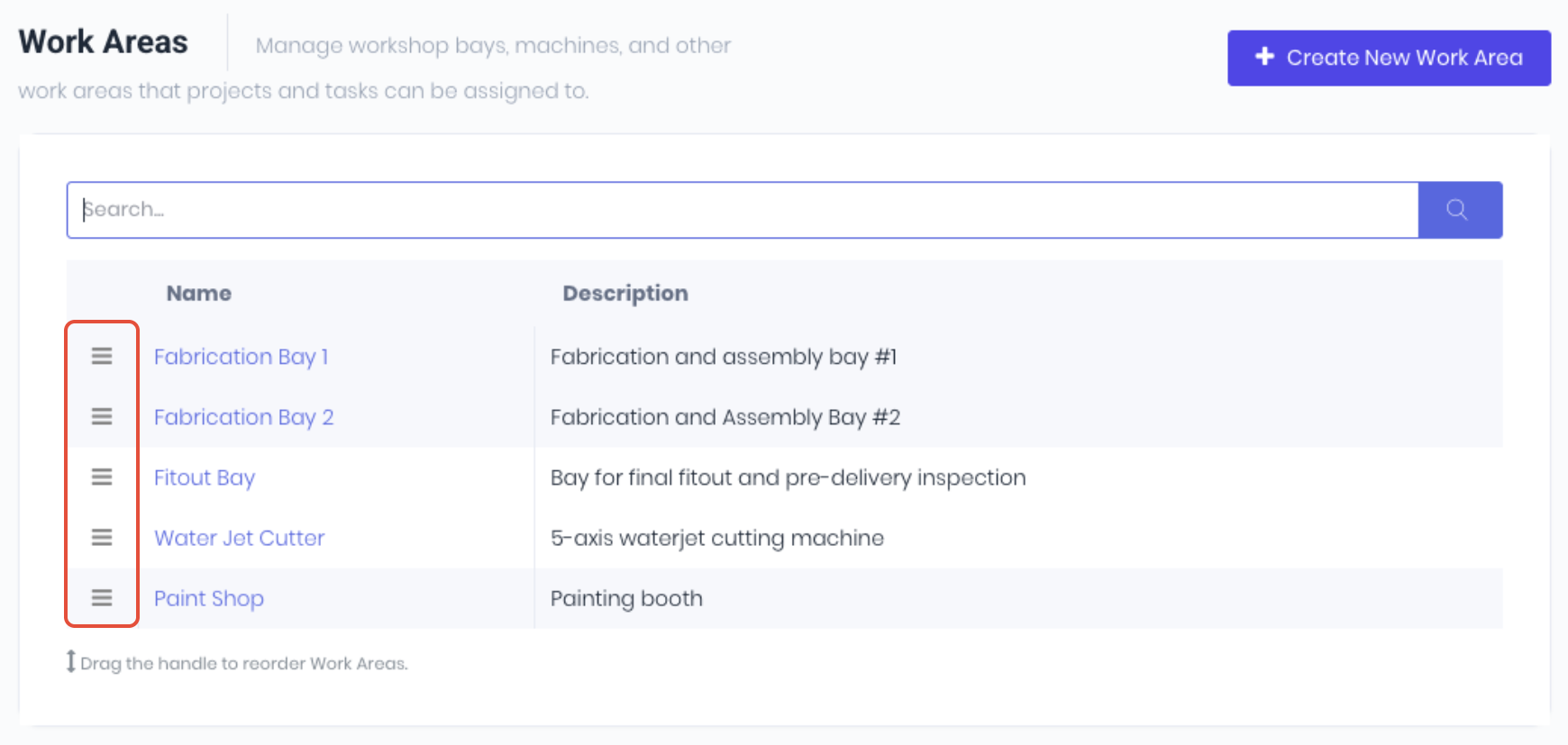
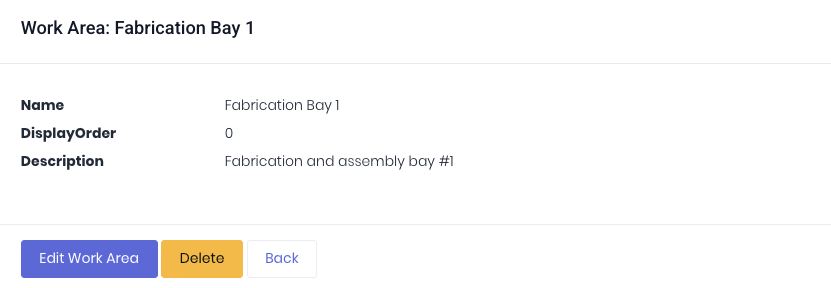
Click Create New Work Area to add new areas. Clicking the work area name will open the work area details.
Was this article helpful?
That’s Great!
Thank you for your feedback
Sorry! We couldn't be helpful
Thank you for your feedback
Feedback sent
We appreciate your effort and will try to fix the article