Once a scheduled report is created and is active, it will run automatically based on the scheduled frequency. If you need to run the scheduled report immediately, click the Run icon from the scheduled reports dashboard.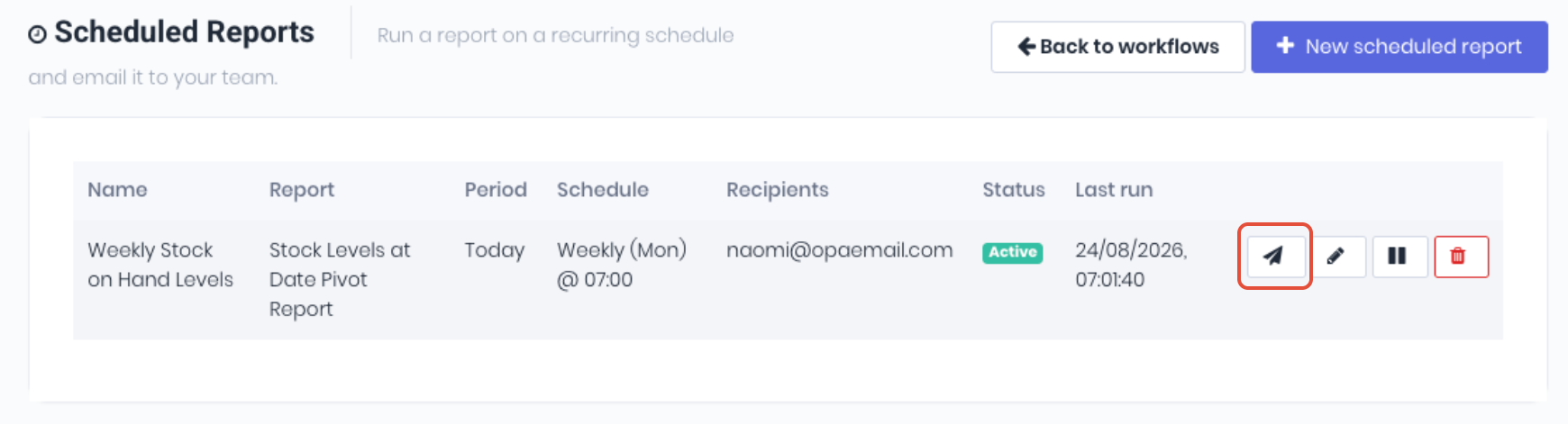 This will send the scheduled report to it's recipient list immediately. Useful for troubleshooting or staff want a copy of the report sent outside it's usual schedule.
Was this article helpful?
That’s Great!
Thank you for your feedback
Sorry! We couldn't be helpful
Thank you for your feedback
Feedback sent
We appreciate your effort and will try to fix the article